Share Content Across Servers Without Sharing Databases
When you have multiple teams, offices, or clients each running their own Aipokit instance, a question comes up fast: how do they share content?
The obvious answer — a shared database or a central cloud — defeats the purpose of self-hosting. Aipokit’s federation takes a different approach.
How it works
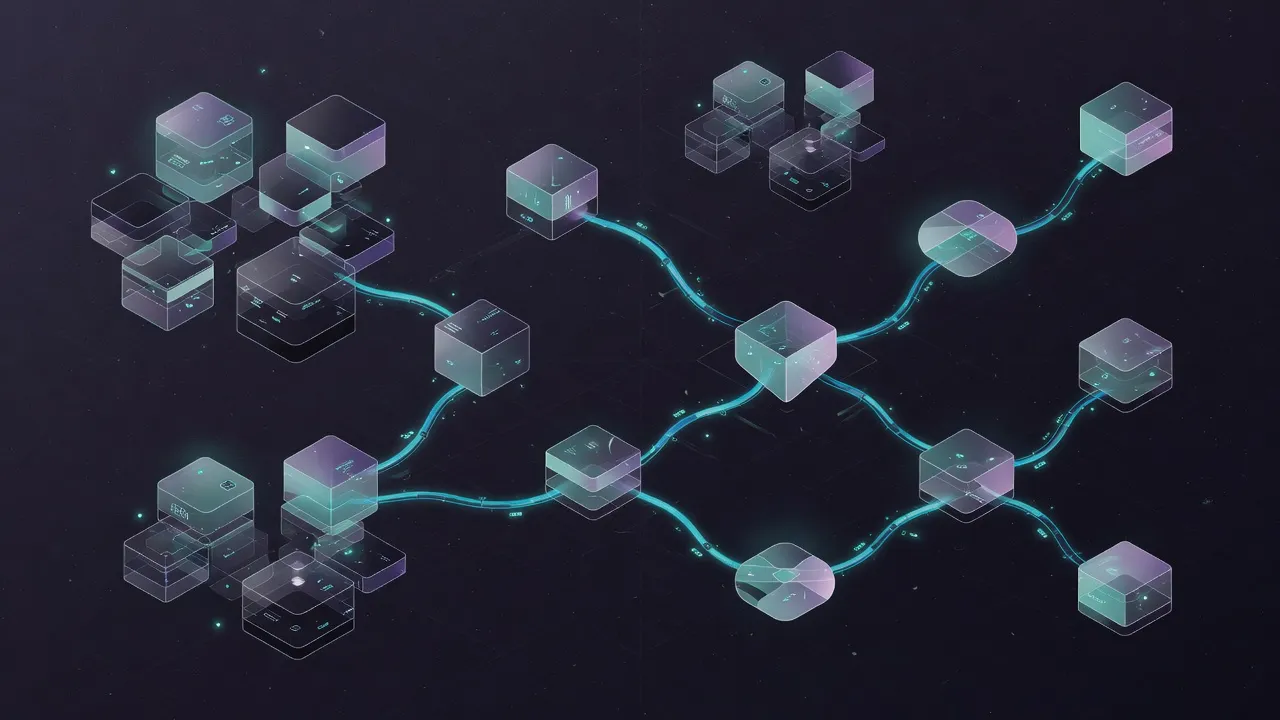
Federation is pull-based, like RSS or Git remotes. Each server periodically pulls a catalog of public media from its configured peers. Content is proxied through the requesting server — users never leave their home instance.
The model is simple:
- Server B has a library of training videos marked as public
- Server A registers Server B as a peer (with an API key)
- Server A pulls Server B’s catalog every 15 minutes
- Users on Server A browse and view Server B’s content as if it were local
- Thumbnails are cached immediately. Full media is cached on first access
No shared database. No bidirectional sync. No central coordinator.
What gets federated
Media only — images, videos, documents. Each server’s catalog exposes only items explicitly marked as public. Workspaces, agents, and internal content stay private.
Federated content appears in a dedicated browser on the consumer server. It’s clearly labeled as remote and read-only — no risk of accidental edits.
Why proxy instead of redirect?
When a user on Server A views a video from Server B, Server A fetches it and serves it. The user’s browser only talks to Server A. This matters because:
- No mixed authentication — users don’t need accounts on multiple servers
- Works behind firewalls — Server B can be on a private network as long as Server A can reach it
- Offline resilience — if Server B goes down, cached content still works
- Access control stays local — Server A decides who sees federated content
The management perspective
Federation solves the collaboration problem without creating a dependency. Each team or client keeps their own server, their own data, their own backups. Content flows between servers on demand, with full control at every point.
Common scenarios:
- Multi-office firm — each office shares its training library with the others
- Consulting delivery — your internal server federates curated content to client instances
- Partner network — multiple organizations share public media catalogs without merging infrastructure
Every server works perfectly alone. Federation is additive — turn it on when you need it, turn it off when you don’t.